
01
Live Bluetooth microphone
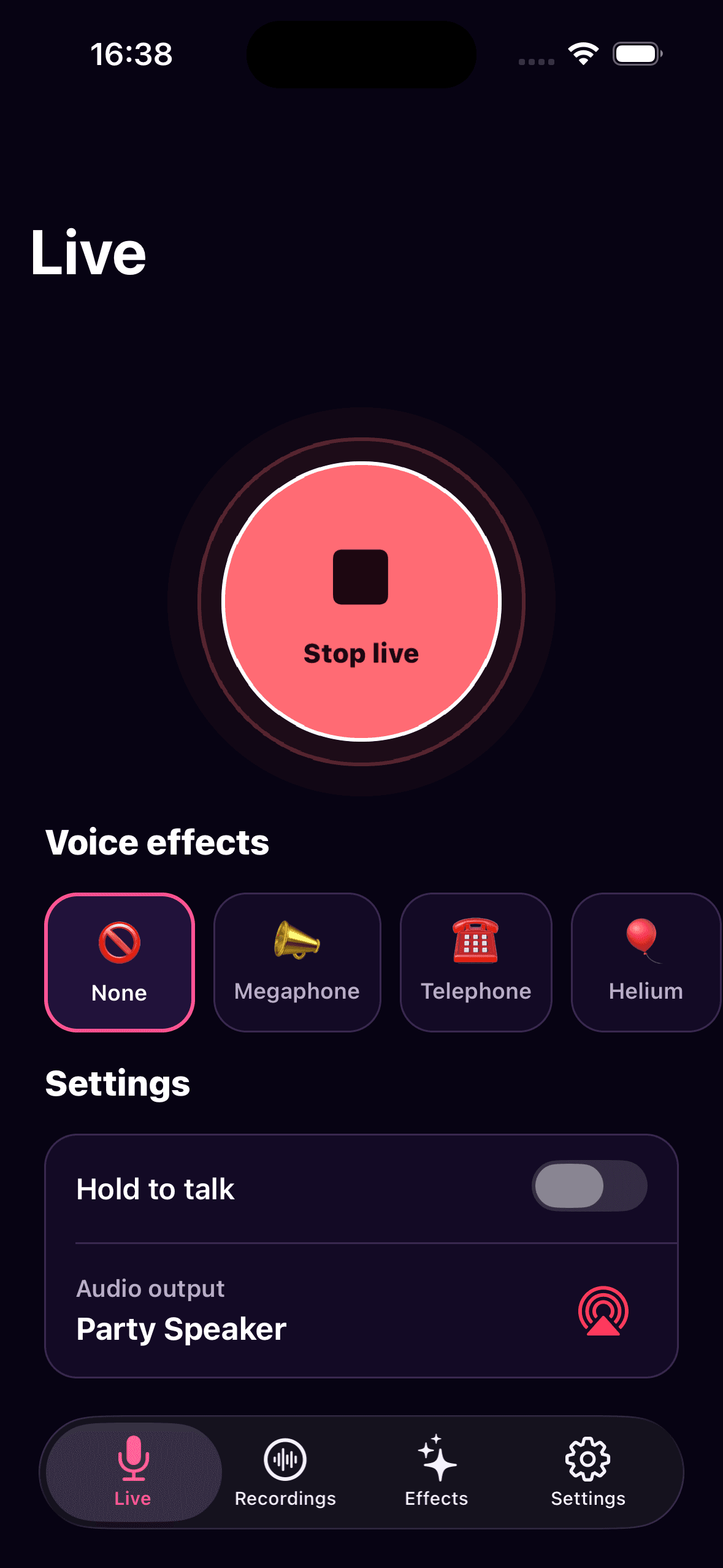
Choose a compatible speaker or audio output, then speak live with optional hold-to-talk control.
Speak live through a Bluetooth speaker, transform your voice with 14 effects, or record, edit and export a complete audio project from your phone.
One app, three audio tools
Mic O Phone brings live audio, creative voice effects and practical recording tools together in one focused mobile experience.
Choose a compatible speaker or audio output, then speak live with optional hold-to-talk control.
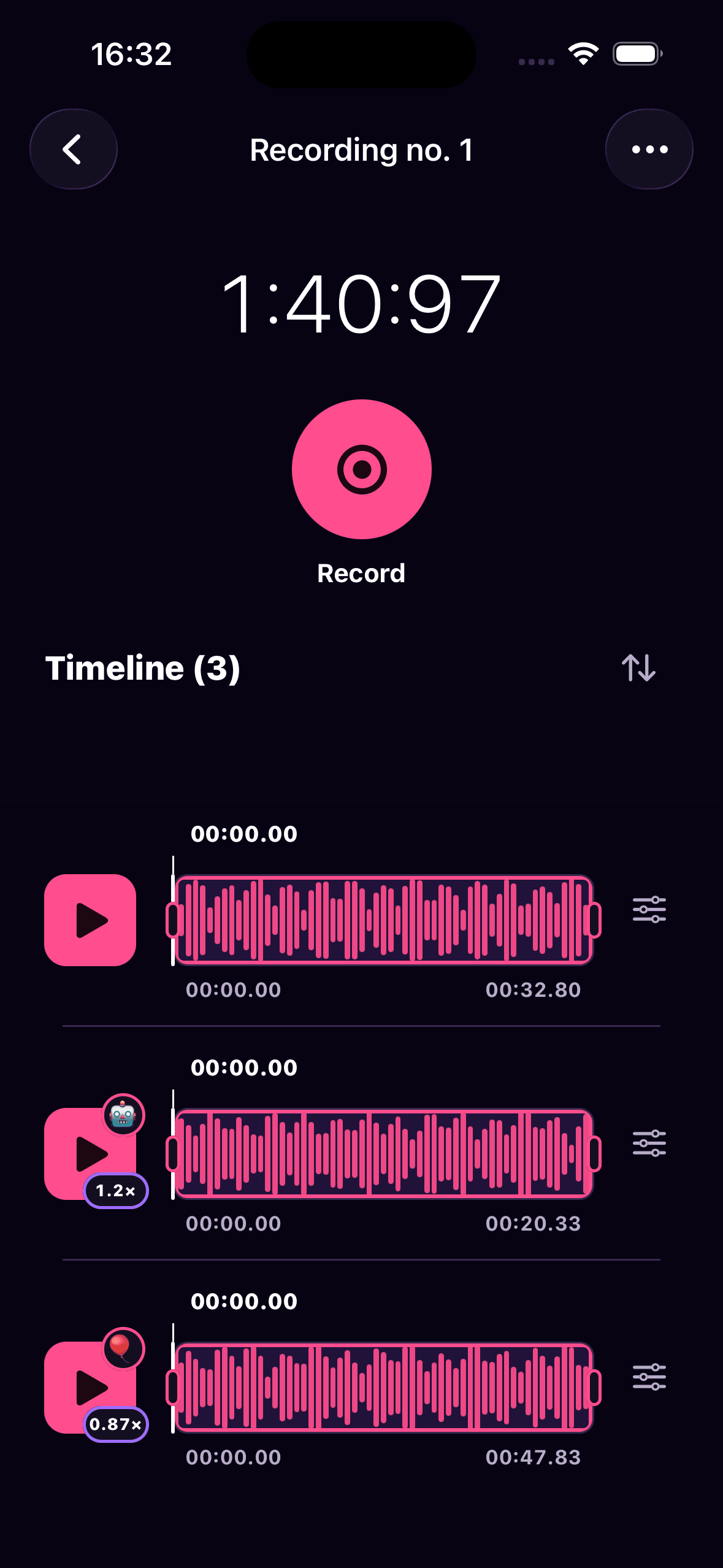
Build recordings from several clips, edit the timeline and export the finished project as a WAV file.
Use 14 ready-made effects or combine pitch, tone, vibrato, reverb, echo and more.
Live audio is processed on your device. Recordings stay local until you explicitly share them.
Recorder & audio editor
Create an audio project from multiple recordings and finish it directly on your phone — no desktop editor or account required.
Your recordings remain stored locally until you choose to export or share them.
Live microphone
A fast path from your phone’s microphone to a compatible Bluetooth speaker or audio output.
Connect your speaker in your phone settings, then open Mic O Phone.
Choose the compatible speaker or output you want to use for live audio.
Start the microphone, add an effect if you want, and control exactly when your voice is heard.
Voice changer
Switch effects while speaking live or apply them to a recording. Adjust the intensity to fit your voice.
Real app, localized
Every screenshot comes from the current app and automatically matches the language selected on this page.
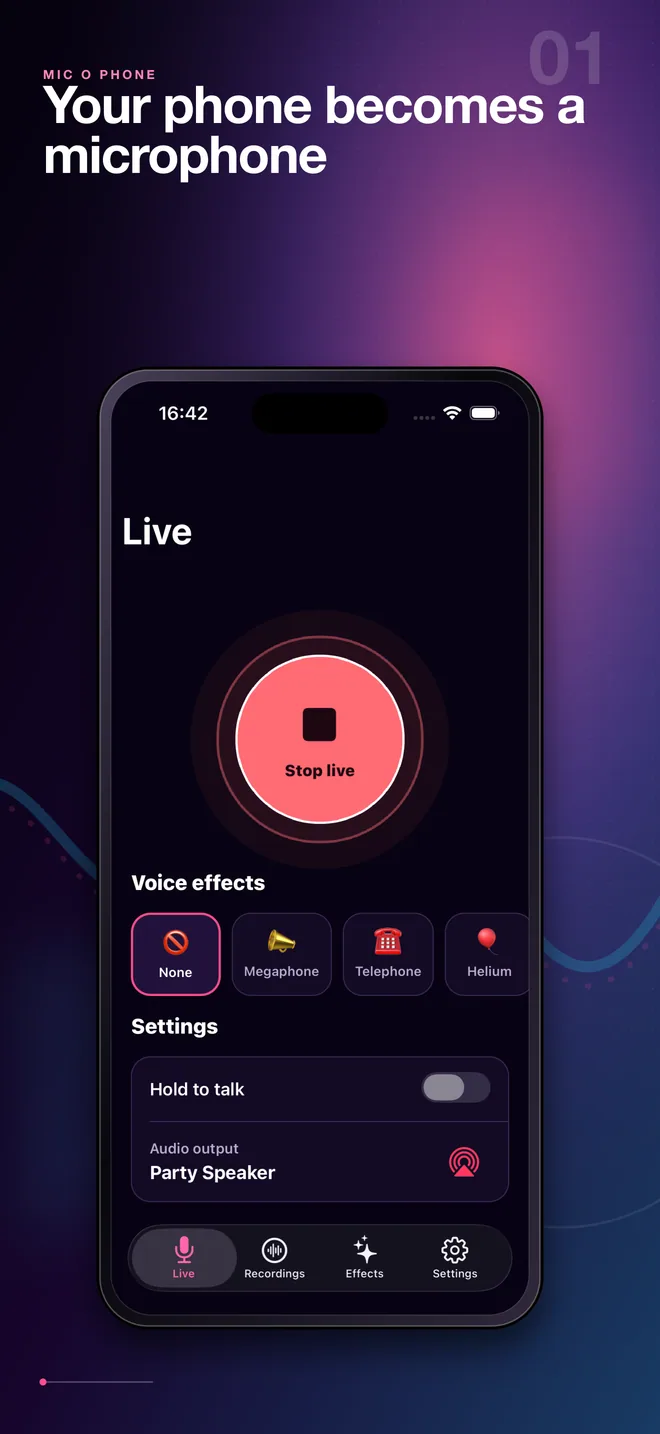
See the active output, hold-to-talk setting and voice effects at a glance.
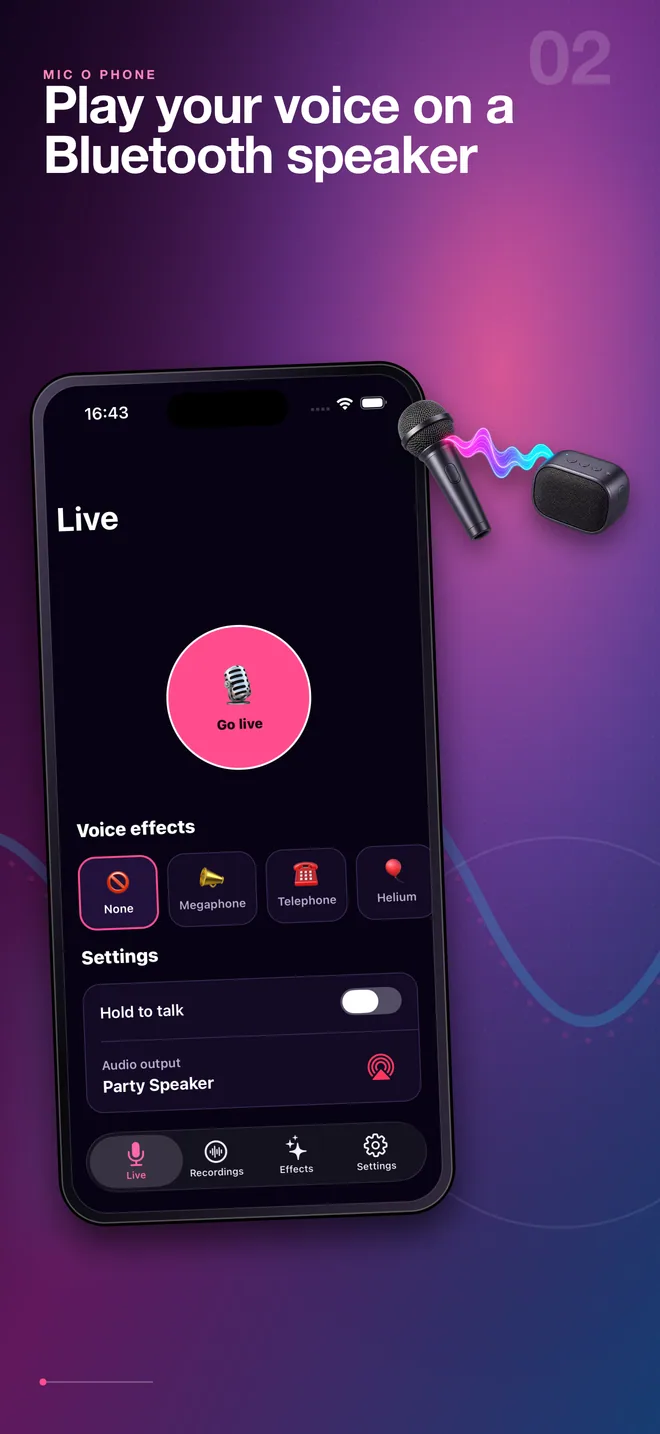
Route your voice to a paired speaker and move freely around the room.
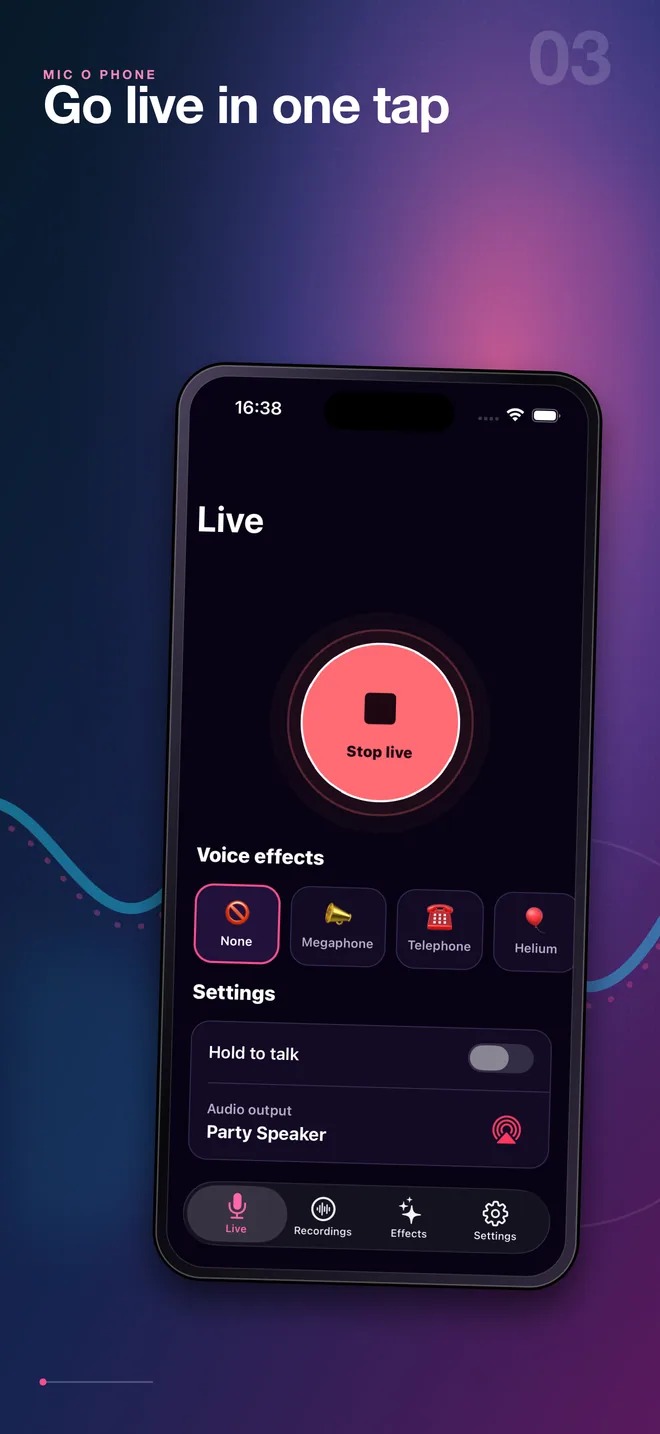
Launch live audio instantly and stay focused on the room, not the settings.
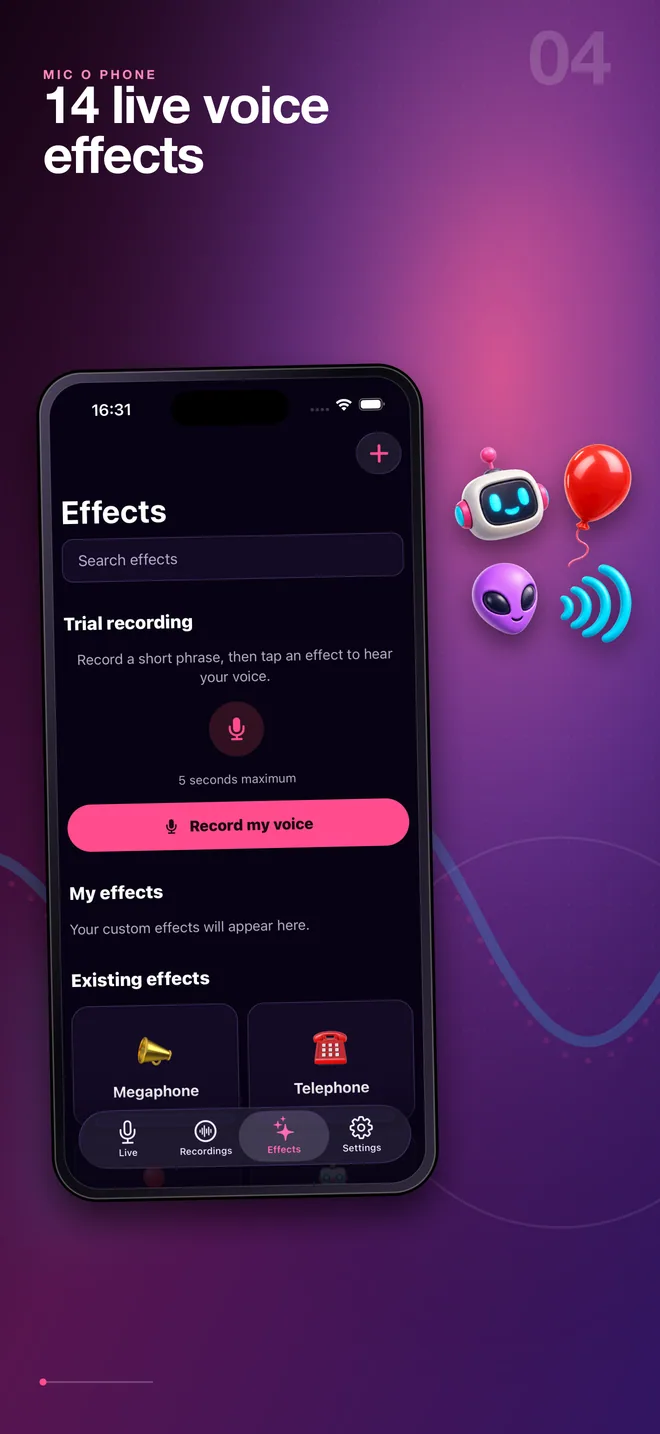
Browse the built-in effects and record a short sample to preview your voice.
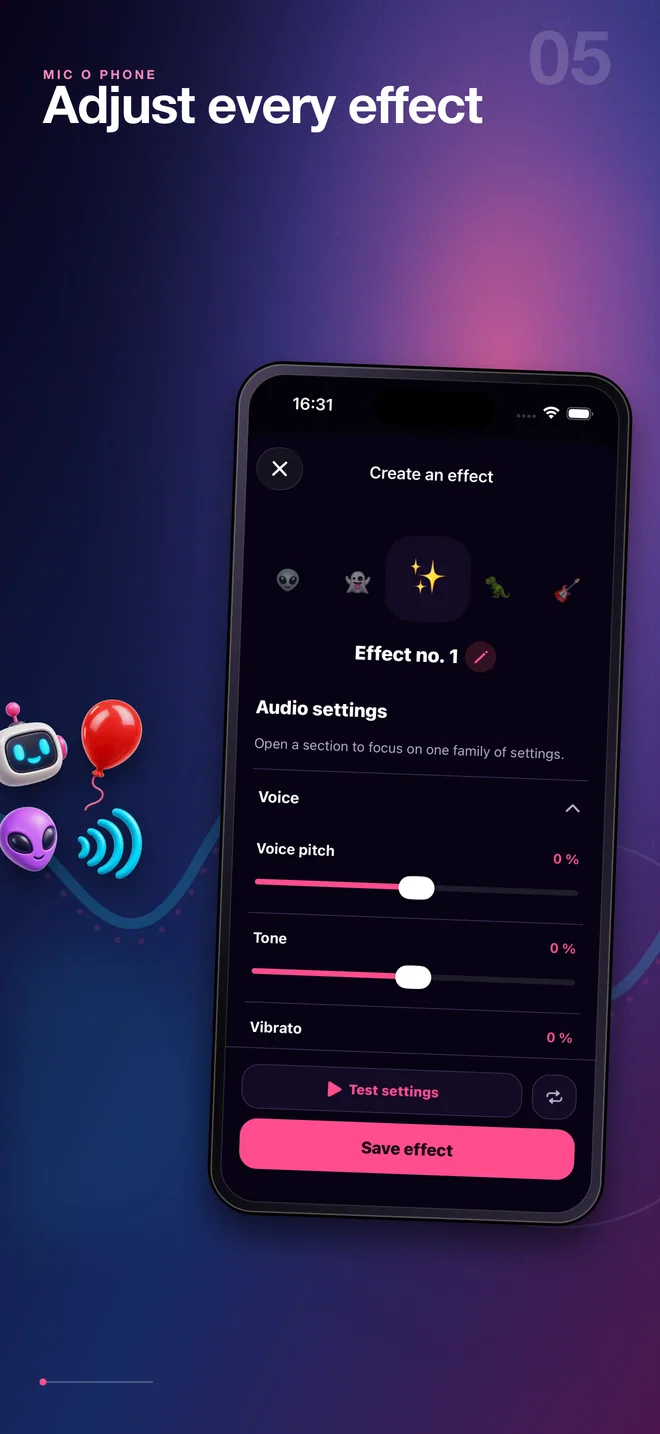
Fine-tune the sound, test the result and save an effect that is truly yours.
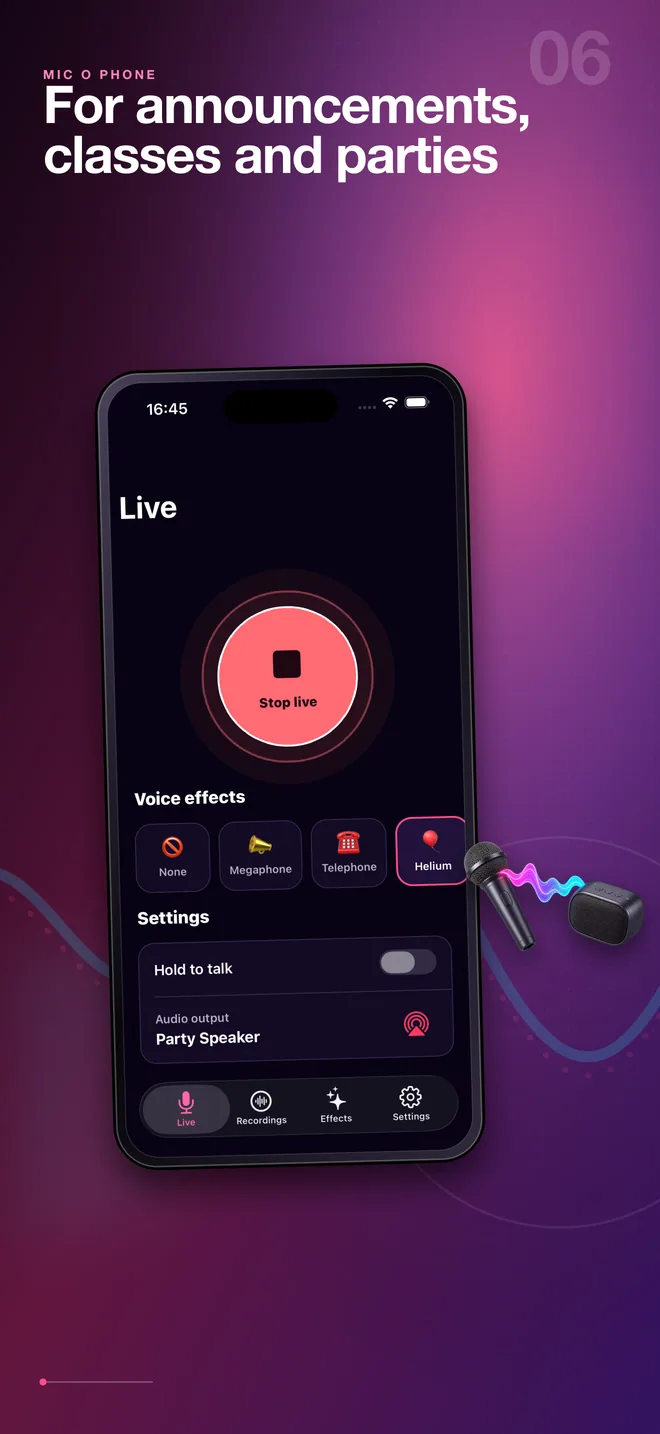
Use it for announcements, classes, parties, games and spontaneous performances.
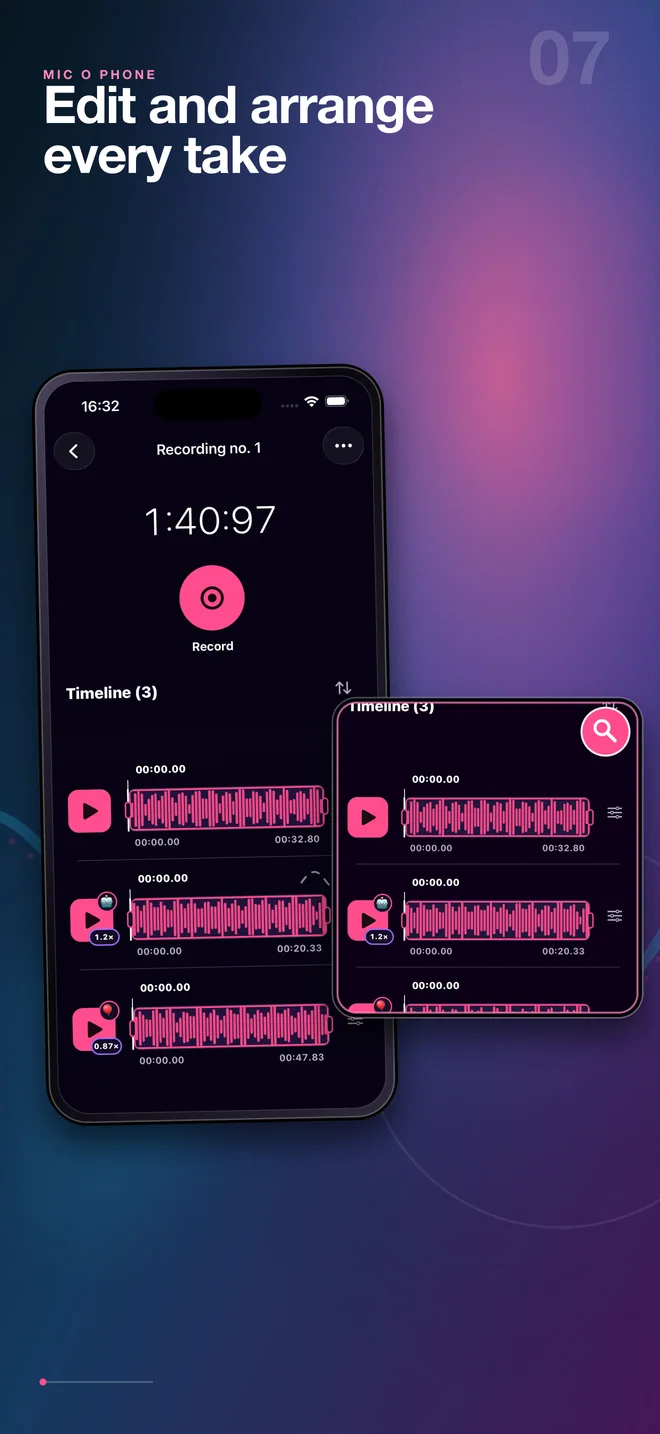
Create several takes, reorder them and adjust speed or effects clip by clip.
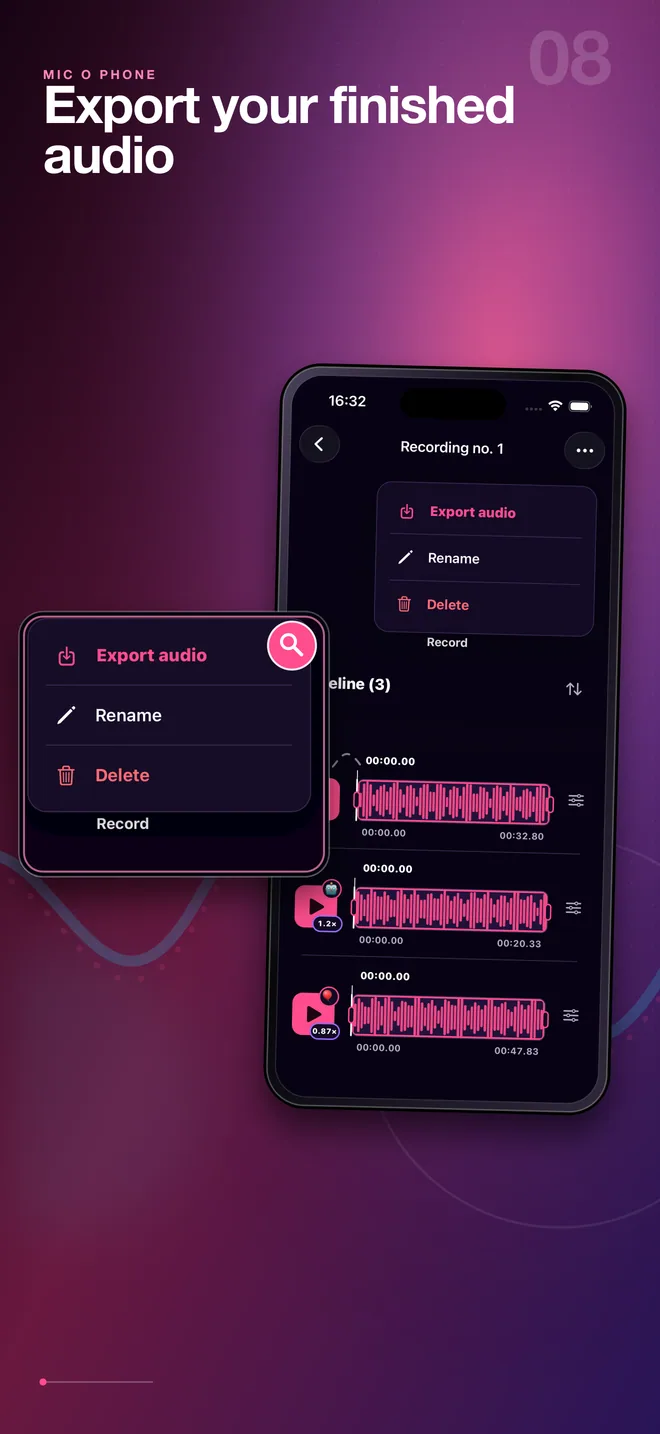
Finish your project, rename it and export a ready-to-share audio file.
Built for real moments
Pass the phone around, switch voice effects and keep the energy up.
Project your voice through a speaker without carrying a full PA system.
Build characters, transform voices and turn short ideas into shareable clips.
Use hold-to-talk for gatherings, small events and any moment that needs a clear voice.
Mic O Phone 2.0
Download Mic O Phone on iOS or Android and start speaking, transforming and creating audio.